Best Practice: How often should I backup my data?
If a computer is only used very rarely to create new documents or documents and files are very rarely changed then a monthly backup would probably suffice under these circumstances. Read more…
It is exactly here where O&O BlueCon 16 comes into play: using a standalone Windows system, which can be run from a USB stick or CD, the installed operating system is bypassed and can be analyzed and repaired using the integrated tools in O&O BlueCon. Read more…
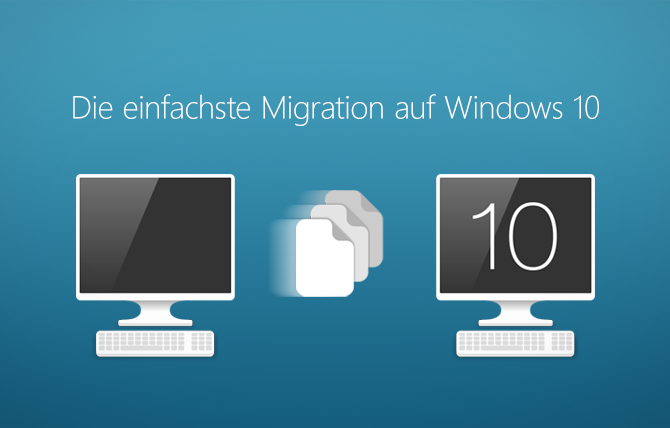
Damit Sie weiter sicher arbeiten und im Internet surfen können, ist also jetzt der Umstieg auf Windows 10 dringender denn je, denn die Zeit wird knapp. Insbesondere für Unternehmen und Behörden, die aktuell noch mit Windows 7 arbeiten. Read more…
It scans the entire hard disk, partition or USB Stick for lost files. Usage is very intuitive, with a step-by-step wizard enabling users with little or no experience to easily recovery data they feared was lost. The free trial version lets users see before they buy just what lost data is in fact recoverable! Read more…
It is exactly here where O&O BlueCon comes into play: using a standalone Windows system, which can be run from a USB stick or CD, the installed operating system is bypassed and can be analyzed and repaired using the integrated tools in O&O BlueCon. Read more…
All files, settings, applications and the operating system are deleted so that a recovery even with the best file recovery software is impossible. You can delete an entire computer including the system partition without boot media. Read more…
With O&O DiskImage entire computers, single drives and files can be backed up during running operations. By restoring such these backups, a user has their normal and familiar working environment back again in a short space of time. Read more…
SSD’s also fragment files when storing them. Data is often distributed to more memory cells than would be necessary. By defragmenting an SSD, it is possible to reduce the number of cells used to store file parts from 10 memory cells down to just 2 memory cells. Read more…
All files, settings, applications and the operating system are deleted so that a recovery even with the best file recovery software is impossible. You can delete an entire computer including the system partition without boot media. Read more…
With O&O DiskImage entire computers, single drives and files can be backed up during running operations. By restoring such these backups, a user has their normal and familiar working environment back again in a short space of time. Read more…
SSD’s also fragment files when storing them. Data is often distributed to more memory cells than would be necessary. By defragmenting an SSD, it is possible to reduce the number of cells used to store file parts from 10 memory cells down to just 2 memory cells. Read more…
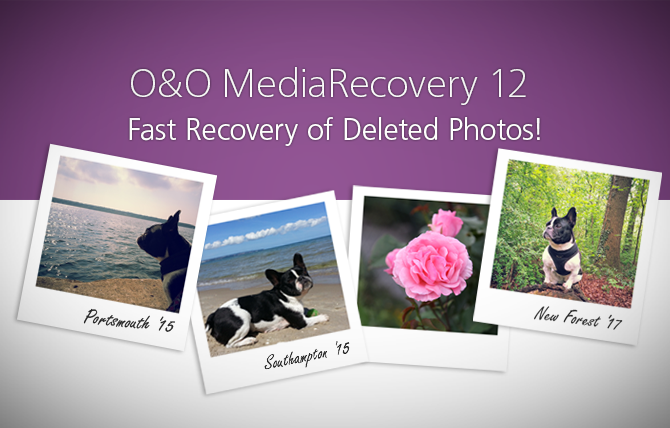
After the program starts, the O&O MediaRecovery wizard guides you step by step through the whole recovery process so that you can have your “lost” media files back again quickly! Read more…
PCs get slower in the course of their use. Two of the main reasons are the fragmentation of files and the storage of superfluous files. The new O&O Defrag 21 addresses these problems and ensures a significant speed increase and more comfortable work on the PC. Read more…
No need to worry anymore about the file being too big for your mail client, or you that don’t have an FTP server, or you don’t want to put up with the delays and annoying pop-ups of those megashare upload sites. Just send your files – direct! Read more…
It is exactly here where O&O BlueCon comes into play: using a standalone Windows system, which can be run from a USB stick or CD, the installed operating system is bypassed and can be analyzed and repaired using the integrated tools in O&O BlueCon. Read more…
Hard disks and partitions can either be backed up (or “imaged”) or “cloned” (duplicated). So what are the differences and pros and cons for each option? Read more…
O&O MediaRecovery recovers data from removable drives such as MP3 players, digital cameras, memory cards (e.g., SD, MMC, xD as well others), hard disks, and, of course, most mobile devices such as Tablets or Smartphones. Read more…
All files, settings, applications and the operating system are deleted so that a recovery even with the best file recovery software is impossible. You can delete an entire computer including the system partition without boot media. Read more…
it’s easy to forget one snag that not even version 10 has fixed: if you’re using traditional hard disks, they will slow down. It may take a while, you may not have a dramatic crash, but it will happen for sure. Read more…
With O&O DiskImage entire computers, single drives and files can be backed up during running operations. By restoring such these backups, a user has their normal and familiar working environment back again in a short space of time. Read more…