Do I Make An Image Or A Clone? The Differences And Pros & Cons Explained.
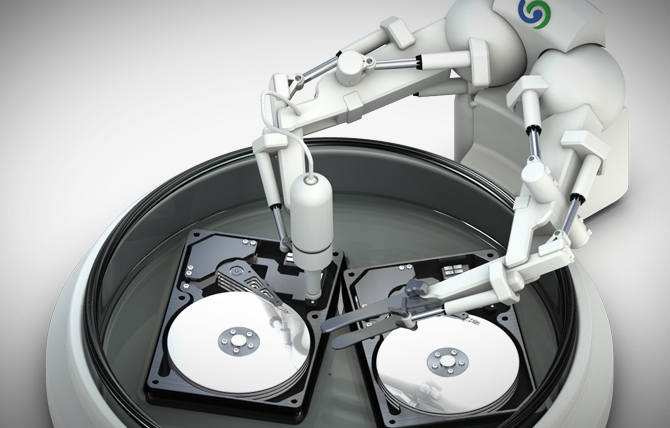
Hard disks and partitions can either be backed up (or “imaged”) or “cloned” (duplicated). So what are the differences and pros and cons for each option? Read more…
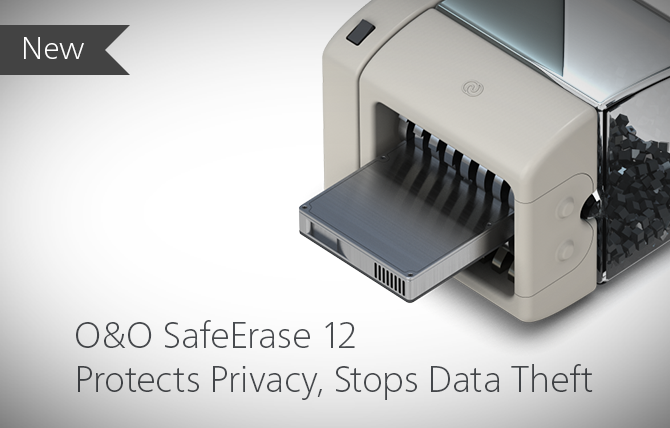
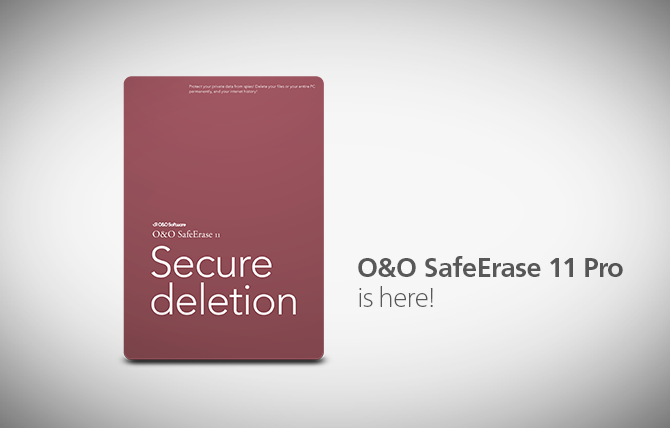
All files, settings, applications and the operating system are deleted so that a recovery even with the best file recovery software is impossible. You can delete an entire computer including the system partition without boot media. Read more…
it’s easy to forget one snag that not even version 10 has fixed: if you’re using traditional hard disks, they will slow down. It may take a while, you may not have a dramatic crash, but it will happen for sure. Read more…
With this title, Stifter-helfen.de honors companies that make their software available to non-profit companies free of charge. Read more…
All files, settings, applications and the operating system are deleted so that a recovery even with the best file recovery software is impossible. You can delete an entire computer including the system partition without boot media. Read more…
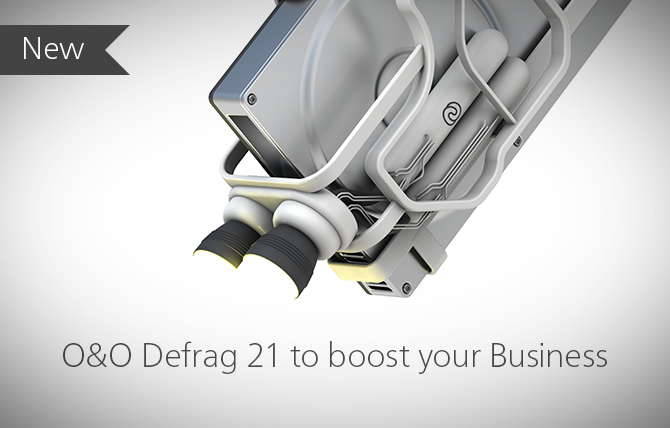
With O&O Defrag entire computers and server can be defragmented so that data is packed together again. Not only does this increase the speed of your servers, it also reduces wear and tear of read and write heads and speeds up your data backups and system images. Read more…
it’s easy to forget one snag that not even version 10 has fixed: if you’re using traditional hard disks, they will slow down. It may take a while, you may not have a dramatic crash, but it will happen for sure. Read more…
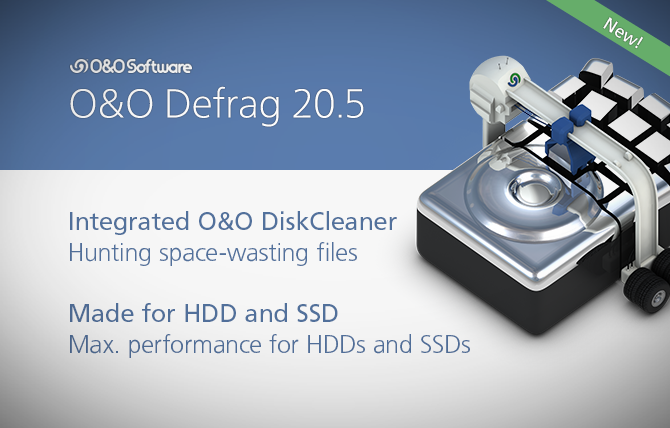
Defragmenting an SSD does not lead to any performance improvement: it can even reduce the life expectancy of an SSD. This must be avoided either through automatic recognition by the operating system or by a defragmentation software. A regular and automatic run of TRIM commands can substantially increase the performance of an SSD and extend its life expectancy. Read more…
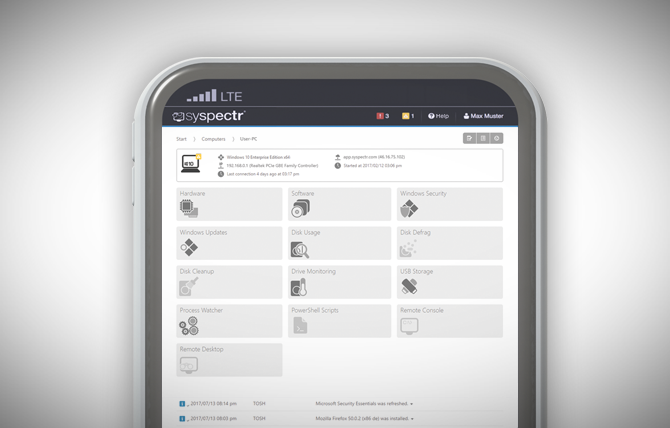
Never miss an important event on your Windows systems. As soon as something happens, you will receive a notification and you can react immediately, even when you’re on the road. Read more…
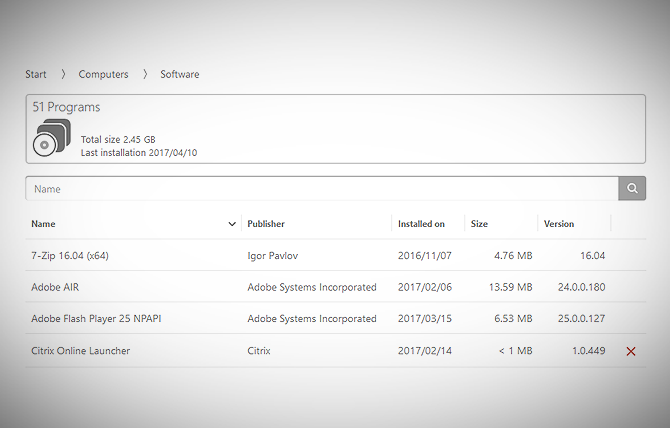
It gives you an inventory overview of selected computer groups and the entire company so that you can locate out-of-date or unused software anytime, form anywhere. Read more…
It is your magic window for monitoring running processes and seeing the nuts and bolts of every computer connected to the program. Read more…
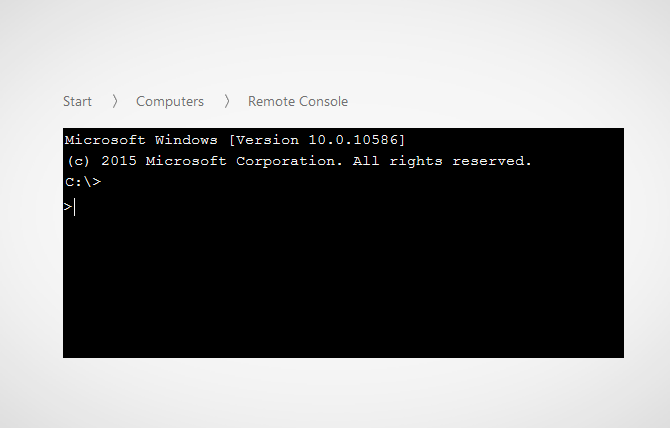
The Remote Console lets you open a Windows command prompt with administrator permissions on a remote computer. Just as you could under Windows, you’ll be able to run scripts on the remote computer and follow them in the browser. Read more…
A command refers to a functioning part or special feature of the program. With the help of the relevant command, an operation such as “Creating an Image” can be implemented. An operation is specialized through parameters. Read more…
It is characterized by many new properties that other remote management providers do not provide. Perhaps the most important feature is that the remote computer only needs the O&O Syspectr client for a connection to be made. Read more…
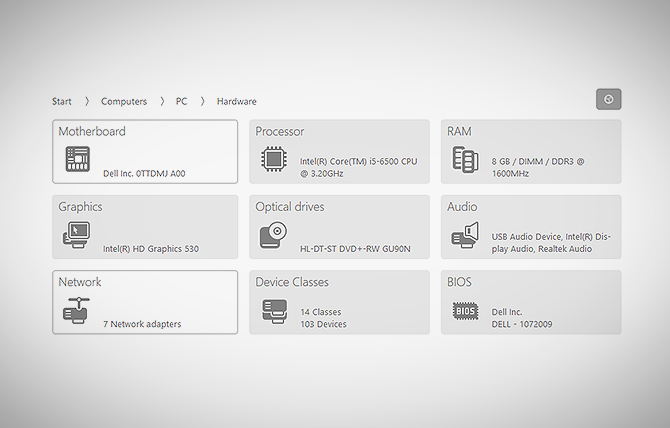
“Hard Disks and SSDs” gives you specs on how each drive is partitioned as well as its level of usage. At a glance you can recognize entire storage volumes such as hard disks or Solid State Drives. Read more…
Connecting USB devices (sticks, hard disks or cell phones) poses a twofold risk: defective software can be transferred to the system, and in the other direction valuable data can be transferred from the computer onto the storage device and taken away. Read more…
It gives you an inventory overview of selected computer groups and the entire company so that you can locate out-of-date or unused software anytime, form anywhere. Read more…
It is your magic window for monitoring running processes and seeing the nuts and bolts of every computer connected to the program. Read more…
All files, settings, applications and the operating system are deleted so that a recovery even with the best file recovery software is impossible. You can delete an entire computer including the system partition without boot media. Read more…
Defragmenting an SSD does not lead to any performance improvement: it can even reduce the life expectancy of an SSD. This must be avoided either through automatic recognition by the operating system or by a defragmentation software. A regular and automatic run of TRIM commands can substantially increase the performance of an SSD and extend its life expectancy. Read more…