Windows 10: What to do with your old PC?
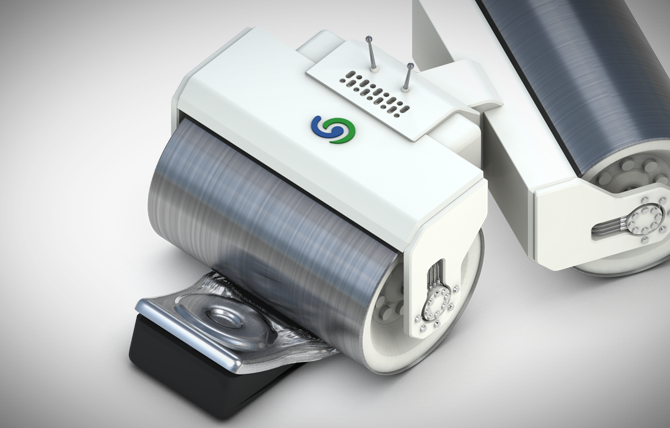
Deleting files or documents “normally” on a Windows operating system simply moves those files to the recycle bin to start with. These files only disappear from view when the recycle bin is full or the user proactively empties it. In truth the files are still on the computer drive – only the references to them in the file system index have actually been removed. Read more…
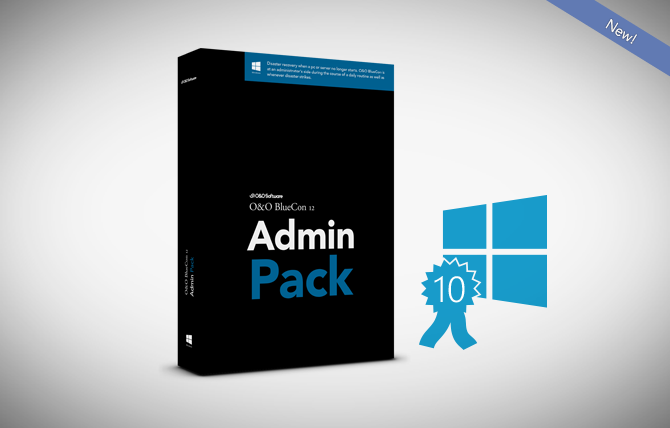
NEW! O&O SafeErase 10: Secure protection of your company data!

Your company’s servers are the places where all internal information such as customer data and the figures for the sales and bookkeeping departments are gathered. That also goes for the backups containing vital information collected over years. If you ever decide to replace a single disk or an entire server with a new one, the information contained on your old material can quickly turn into a major security risk. Read more…

The Windows 10 Technology Guarantee from O&O Software!

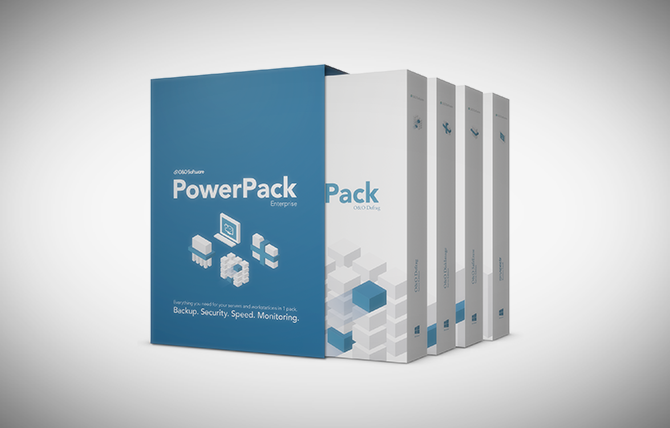
As a long-term Microsoft Gold Partner, O&O Software wants to guarantee now that its top products in the current version (effective date May 1st, 2015) will function under Windows 10. This means that O&O Defrag 18, O&O DiskImage 9, O&O SafeErase 8, O&O AutoBackup 4, O&O DiskRecovery 10 and the current O&O PowerPack will be compatible with Windows 10 at release or an appropriate free update will follow. Read more…

Speichern und Löschen von Daten auf Festplatten

Eine Festplatte ist wie ein Buch Man muss sich dazu eine Festplatte einfach wie ein Buch vorstellen (ein richtiges, kein Kindle). Das Inhaltsverzeichnis ist die Dateiverwaltungstabelle (FAT und MFT bei NTFS), das auf die einzelnen Kapitel des Buches verweist (die Dateien). Löscht oder formatiert man nun eine Festplatte, dann “reißt” Windows einfach dieses Inhaltsverzeichnis heraus, … Read more