The O&O Syspectr Functions: Hardware Inventory
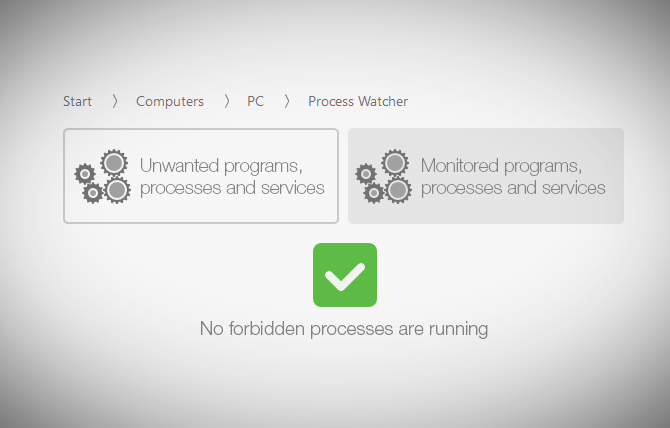
It is your magic window for monitoring running processes and seeing the nuts and bolts of every computer connected to the program. Read more…
O&O ShutUp10 means you have full control over which comfort functions under Windows 10 you wish to use, and you decide when the passing on of your data goes too far. Using a very simple interface, you decide how Windows 10 should respect your privacy by making recommendations and giving tips for which unwanted functions should be deactivated. Read more…
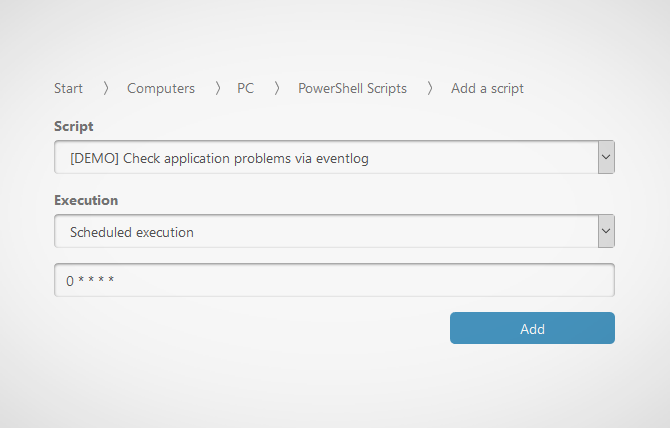
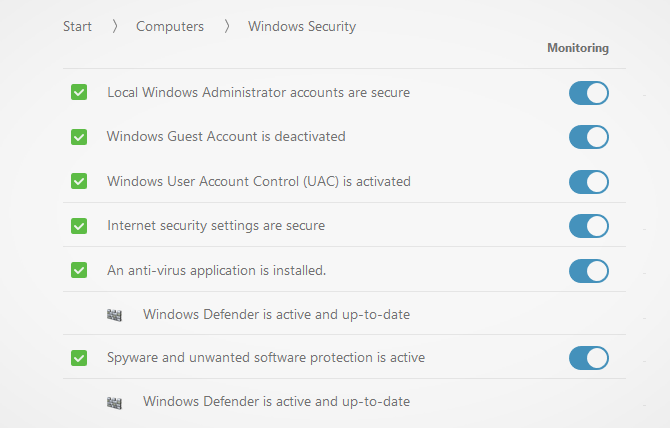
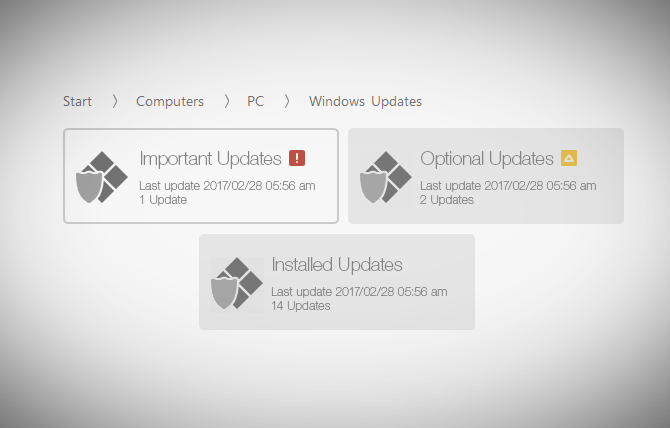
O&O Syspectr also verifies that settings for internet security as well as administrator/guest accounts remain secure. As an added plus, O&O Syspectr checks if your Windows update is active and whether all available updates have been installed. Read more…
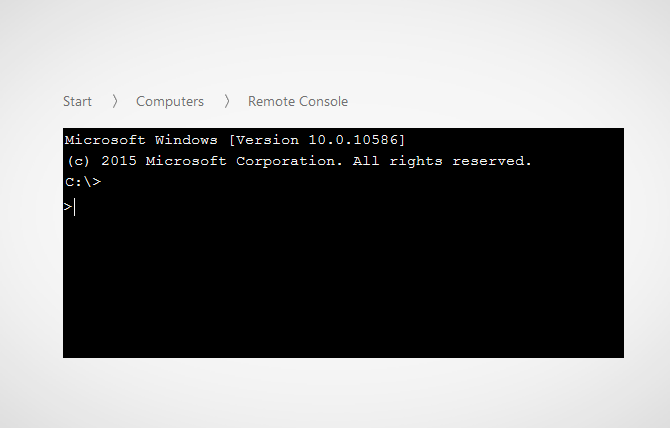
The Remote Console lets you open a Windows command prompt with administrator permissions on a remote computer. Just as you could under Windows, you’ll be able to run scripts on the remote computer and follow them in the browser. Read more…
O&O ShutUp10 means you have full control over which comfort functions under Windows 10 you wish to use, and you decide when the passing on of your data goes too far. Using a very simple interface, you decide how Windows 10 should respect your privacy by making recommendations and giving tips for which unwanted functions should be deactivated. Read more…

O&O Syspectr doesn’t just monitor, it also provides active assistance: the integrated Remote Desktop allows you to help your users directly on their PCs whenever the need arises. The only thing you need is an active browser and an end device with an internet connection. In addition we have further modules in the pipeline. O&O Syspectr can be used on any Windows System from Vista and Windows 2008 Server as well as on virtual machines. Read more…
O&O Syspectr doesn’t just monitor, it also provides active assistance: the integrated Remote Desktop allows you to help your users directly on their PCs whenever the need arises. The only thing you need is an active browser and an end device with an internet connection. In addition we have further modules in the pipeline. O&O Syspectr can be used on any Windows System from Vista and Windows 2008 Server as well as on virtual machines.
Read more…
O&O ShutUp10 means you have full control over which comfort functions under Windows 10 you wish to use, and you decide when the passing on of your data goes too far. Using a very simple interface, you decide how Windows 10 should respect your privacy by making recommendations and giving tips for which unwanted functions should be deactivated. Read more…
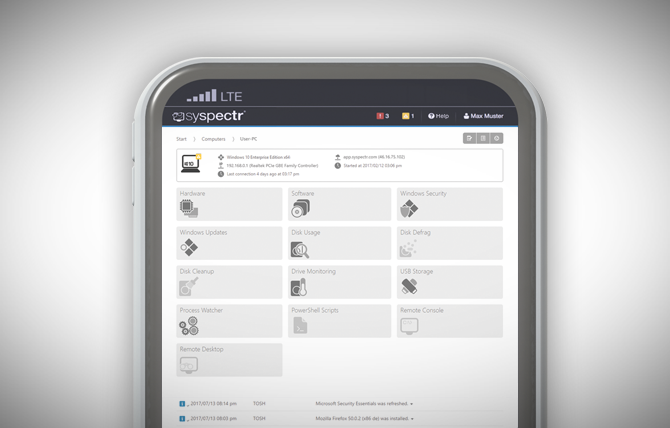
It also keeps a lookout for any unwanted programs, processes, and services that may have started. Having this information at hand makes it easier for you to keep your network running smoothly. Read more…
It is characterized by many new properties that other remote management providers do not provide. Perhaps the most important feature is that the remote computer only needs the O&O Syspectr client for a connection to be made. Read more…
O&O ShutUp10 means you have full control over which comfort functions under Windows 10 you wish to use, and you decide when the passing on of your data goes too far. Using a very simple interface, you decide how Windows 10 should respect your privacy by making recommendations and giving tips for which unwanted functions should be deactivated. Read more…
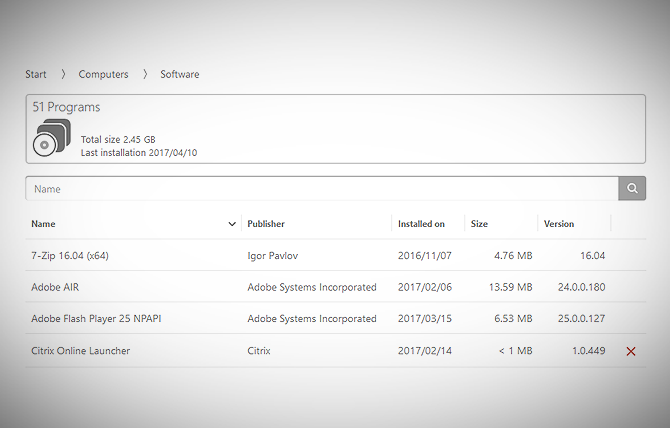
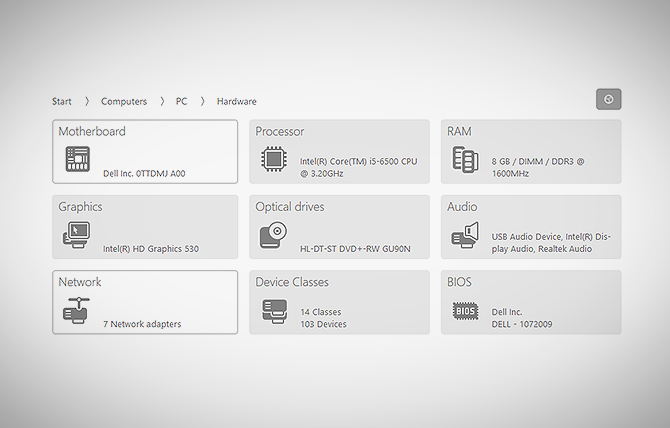
It gives you an inventory overview of selected computer groups and the entire company so that you can locate out-of-date or unused software anytime, form anywhere. Read more…
It is your magic window for monitoring running processes and seeing the nuts and bolts of every computer connected to the program. Read more…
O&O ShutUp10 means you have full control over which comfort functions under Windows 10 you wish to use, and you decide when the passing on of your data goes too far. Using a very simple interface, you decide how Windows 10 should respect your privacy by making recommendations and giving tips for which unwanted functions should be deactivated. Read more…