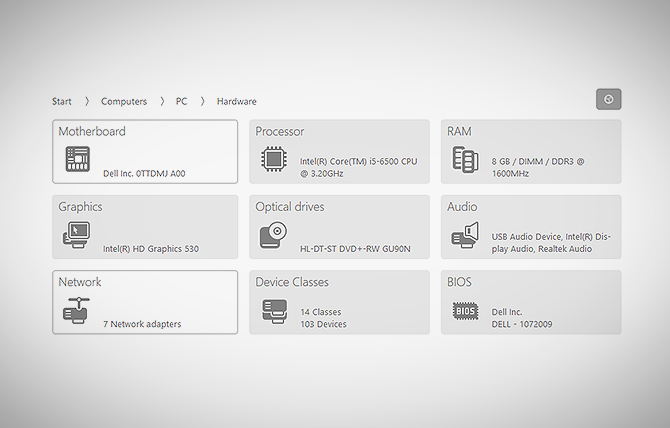
The O&O Syspectr Functions: Hardware Inventory
It is your magic window for monitoring running processes and seeing the nuts and bolts of every computer connected to the program. Read more…
With Microsoft having released Windows 10, together with a whole range of new devices, it’s easy to forget one snag that not even version 10 has fixed: if you’re using traditional hard disks, they will slow down. It may take a while, you may not have a dramatic crash, but it will happen for sure. Read more…
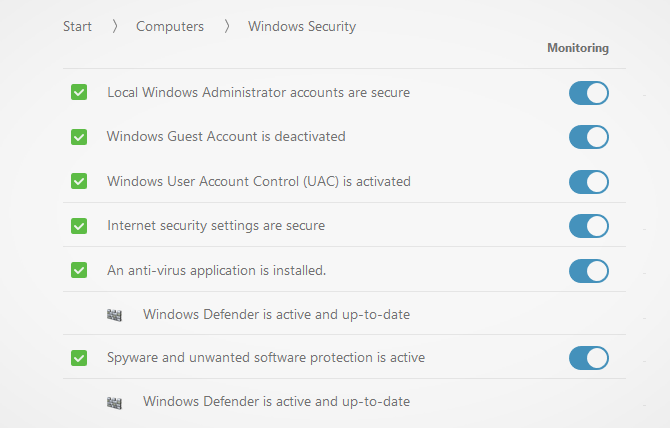
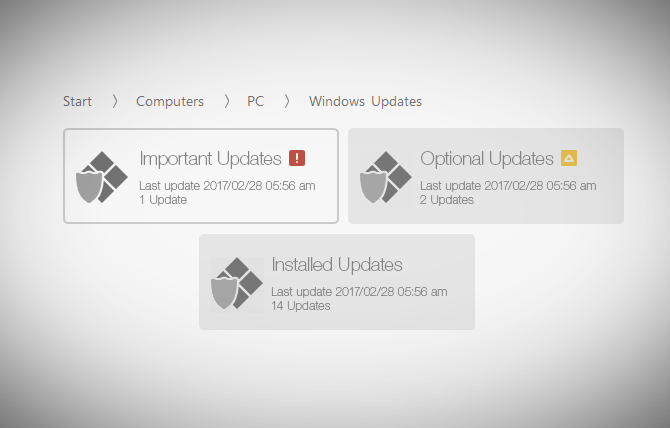
O&O Syspectr also verifies that settings for internet security as well as administrator/guest accounts remain secure. As an added plus, O&O Syspectr checks if your Windows update is active and whether all available updates have been installed. Read more…
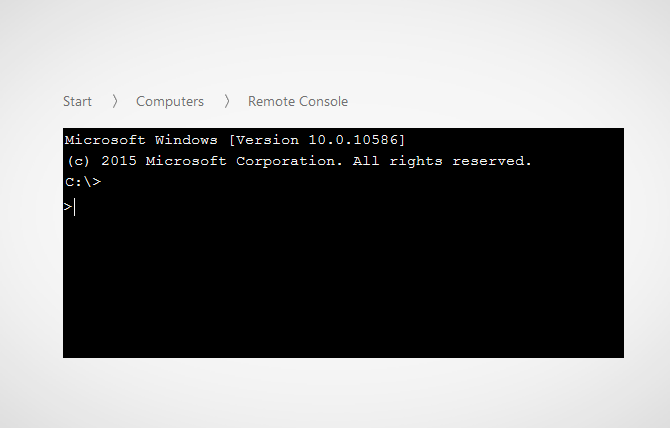
The Remote Console lets you open a Windows command prompt with administrator permissions on a remote computer. Just as you could under Windows, you’ll be able to run scripts on the remote computer and follow them in the browser. Read more…
O&O Syspectr doesn’t just monitor, it also provides active assistance: the integrated Remote Desktop allows you to help your users directly on their PCs whenever the need arises. The only thing you need is an active browser and an end device with an internet connection. In addition we have further modules in the pipeline. O&O Syspectr can be used on any Windows System from Vista and Windows 2008 Server as well as on virtual machines.
Read more…
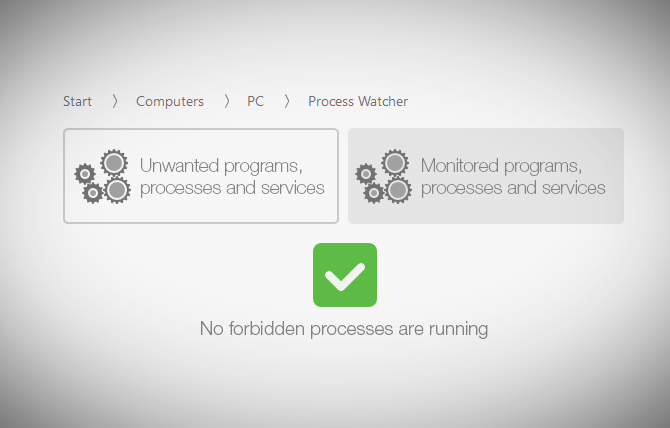
It also keeps a lookout for any unwanted programs, processes, and services that may have started. Having this information at hand makes it easier for you to keep your network running smoothly. Read more…
It is characterized by many new properties that other remote management providers do not provide. Perhaps the most important feature is that the remote computer only needs the O&O Syspectr client for a connection to be made. Read more…
It is exactly here where O&O BlueCon 14 comes into play: using a standalone Windows system, which can be run from a USB stick or CD, the installed operating system is bypassed and can be analyzed and repaired using the integrated tools in O&O BlueCon. Read more…

“Hard Disks and SSDs” gives you specs on how each drive is partitioned as well as its level of usage. At a glance you can recognize entire storage volumes such as hard disks or Solid State Drives. Read more…
Connecting USB devices (sticks, hard disks or cell phones) poses a twofold risk: defective software can be transferred to the system, and in the other direction valuable data can be transferred from the computer onto the storage device and taken away. Read more…
It gives you an inventory overview of selected computer groups and the entire company so that you can locate out-of-date or unused software anytime, form anywhere. Read more…
It is your magic window for monitoring running processes and seeing the nuts and bolts of every computer connected to the program. Read more…
With O&O Defrag entire computers and server can be defragmented so that data is packed together again. Not only does this increase the speed of your servers, it also reduces wear and tear of read and write heads and speeds up your data backups and system images. Read more…
Defragmenting an SSD does not lead to any performance improvement: it can even reduce the life expectancy of an SSD. This must be avoided either through automatic recognition by the operating system or by a defragmentation software. A regular and automatic run of TRIM commands can substantially increase the performance of an SSD and extend its life expectancy. Read more…
With Microsoft having released Windows 10, together with a whole range of new devices, it’s easy to forget one snag that not even version 10 has fixed: if you’re using traditional hard disks, they will slow down. It may take a while, you may not have a dramatic crash, but it will happen for sure. Read more…
With Microsoft announcing the release of Windows 10 for owners of Windows 7 and 8 for July 29th, together with a whole range of new devices, it’s easy to forget one snag that not even version 10 has fixed: if you’re using traditional hard disks, they will slow down. It may take a while, you may not have a dramatic crash, but it will happen for sure. Read more…
Windows 10 aims to make your daily work as easy and hassle-free as possible. This enhanced comfort is to be taken with a grain of salt though: Windows 10 quite freely shares your personal data with Microsoft and certain apps. Read more…
Your personal photos and confidential documents can easily fall into the wrong hands when you sell, give away or dispose of your old PC or hard drives. Identity theft is now a widespread security threat. This is because clicking on “Delete” does not mean your files are permanently deleted. Even formatting the hard disk is not enough to permanently delete data! Read more…
This great new feature searches for and removes temporary and unnecessary files that are taking up memory and increasing fragmentation. O&O DiskCleaner also increases the security of your data, as private content (e.g. Thumbs.db, copies of documents, drafts of emails, Dumps) will no longer be kept as copies in unnecessary system files. Read more…