O&O wishes you Happy Holidays and the very best for 2021!
2021 will of course see us also continue to enhance O&O ShutUp10 to protect your privacy under Windows 10. The privacy and safety of your data is our priority. Read more…
When setting up Windows 10, Microsoft not only installs the operating system alone, but also a whole range of additional apps – some useful, some less so. O&O AppBuster allows you to remove the unwanted apps easily and quickly. Or, if you accidentally uninstalled one of these apps, you can also retrieve them with one click. Read more…
O&O ShutUp10 means you have full control over which comfort functions under Windows 10 you wish to use, and you decide when the passing on of your data goes too far. Using a very simple interface, you decide how Windows 10 should respect your privacy by making recommendations and giving tips for which unwanted functions should be deactivated. Read more…

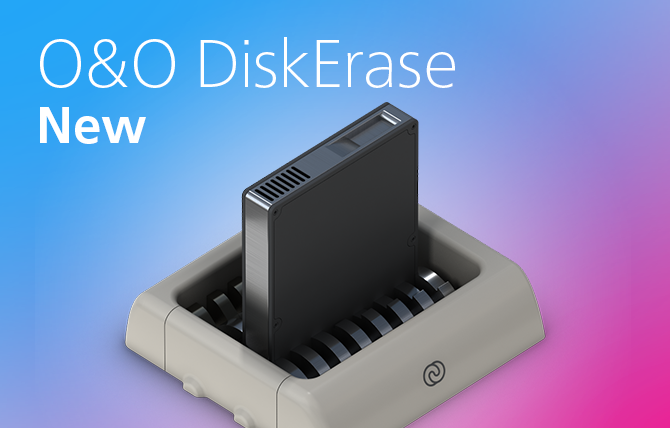

That’s why we developed O&O DiskErase. This makes it possible to safely destroy certain partitions, hard disks or all data on the entire computer at the push of a button. Read more…
O&O ShutUp10 means you have full control over which comfort functions under Windows 10 you wish to use, and you decide when the passing on of your data goes too far. Using a very simple interface, you decide how Windows 10 should respect your privacy by making recommendations and giving tips for which unwanted functions should be deactivated. Read more…
We will continue in this vein throughout 2020 with new modules for O&O Syspectr and more new products for private and business use. And we will of course continue to enhance O&O ShutUp10 to protect your privacy under Windows 10! Read more…
O&O ShutUp10 means you have full control over which comfort functions under Windows 10 you wish to use, and you decide when the passing on of your data goes too far. Using a very simple interface, you decide how Windows 10 should respect your privacy by making recommendations and giving tips for which unwanted functions should be deactivated. Read more…
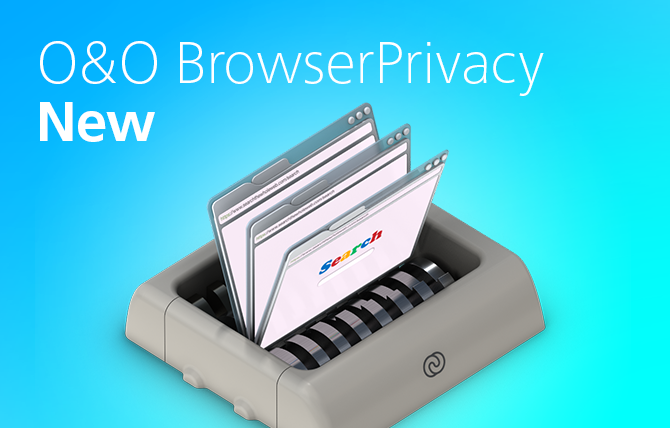
The history and data saved in your browser can reveal a lot about you and your Internet activities. Cookies, for example, make it easy for websites to identify and follow you. Read more…
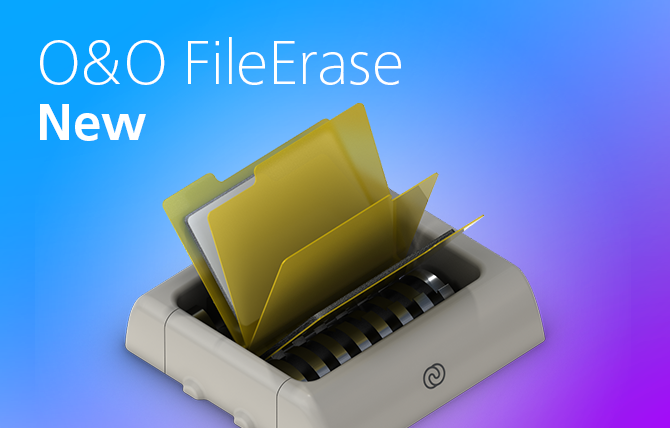
O&O FileErase destroys files and folders for you at the touch of a button. You can decide yourself with which security level your data should be destroyed. And you have full control over which files or folders O&O FileErase should delete for you. Read more…
O&O ShutUp10 means you have full control over which comfort functions under Windows 10 you wish to use, and you decide when the passing on of your data goes too far. Using a very simple interface, you decide how Windows 10 should respect your privacy by making recommendations and giving tips for which unwanted functions should be deactivated. Read more…
The history and data saved in your browser can reveal a lot about you and your Internet activities. Cookies, for example, make it easy for websites to identify and follow you. Read more…
When setting up Windows 10, Microsoft not only installs the operating system alone, but also a whole range of additional apps – some useful, some less so. O&O AppBuster allows you to remove the unwanted apps easily and quickly. Or, if you accidentally uninstalled one of these apps, you can also retrieve them with one click. Read more…
O&O ShutUp10 means you have full control over which comfort functions under Windows 10 you wish to use, and you decide when the passing on of your data goes too far. Using a very simple interface, you decide how Windows 10 should respect your privacy by making recommendations and giving tips for which unwanted functions should be deactivated. Read more…