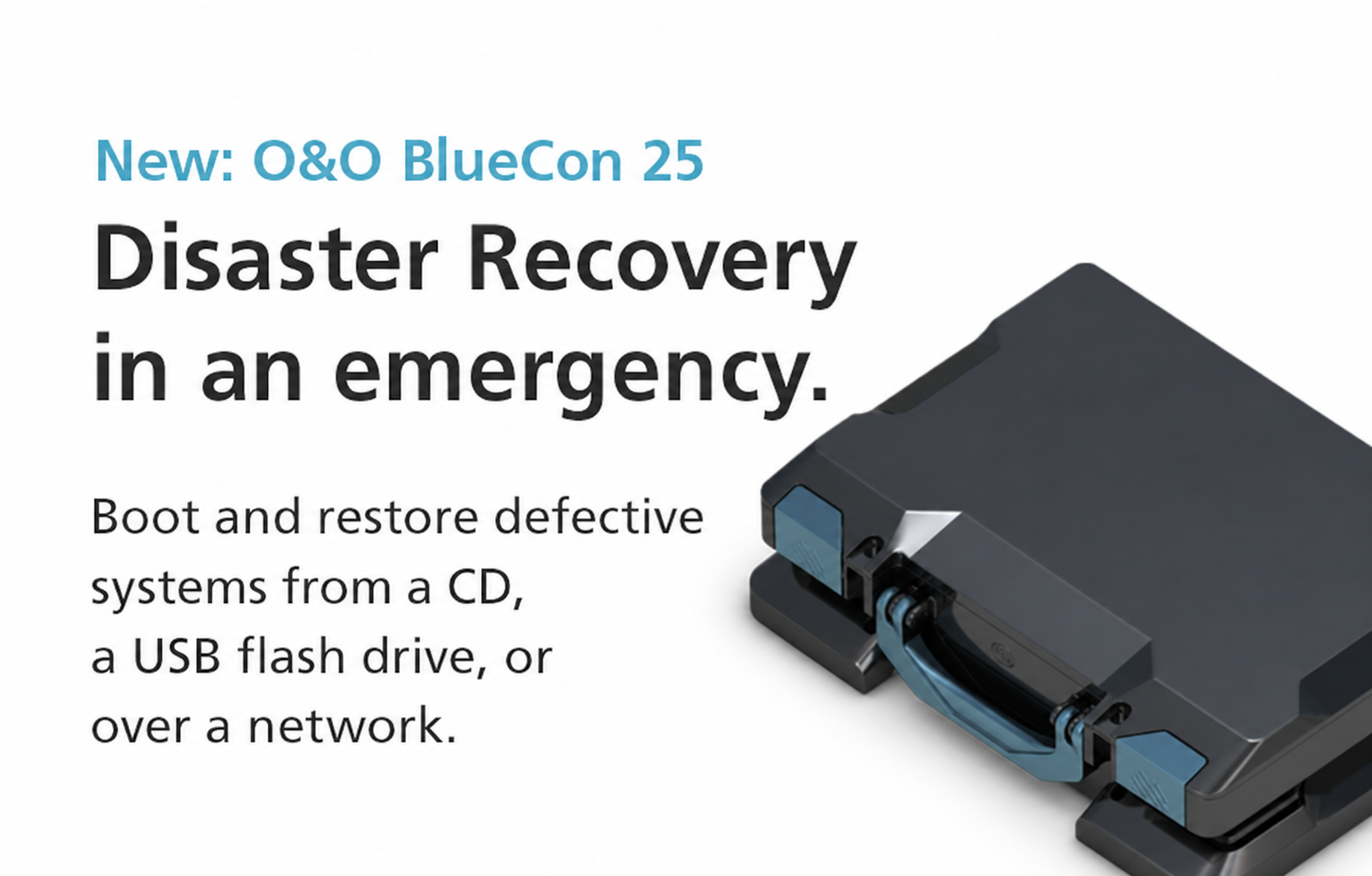
O&O BlueCon 25 is here! When a Windows PC or server no longer starts, you need a way to investigate the problem and work on the affected Windows installation. O&O BlueCon provides a separate rescue environment from which you can diagnose faults and carry out repairs.
Version 25 updates almost the entire toolkit on its recovery media. A new desktop, current O&O applications and improvements to hardware support and media creation make system recovery and offline administration more convenient.
A new desktop for recovery work
The redesigned desktop brings the current O&O look to the rescue environment, with a taskbar, Start menu and launchpad. Keyboard controls include the Windows key and Windows+E, giving you familiar ways to navigate the environment and access its tools.
Current O&O products on your recovery media
Several of the O&O BlueCon utilities have been replaced by current O&O products, while other tools have also been updated:
- O&O Check&Repair checks and repairs the installed Windows system, including the component store, system files and file system. It replaces the previous CheckDisk tool
- O&O DiskCommander takes over from FileExplorer as the file manager
- O&O DeskInfo provides system information, replacing SystemInfo
- O&O RegEditor is included in a dedicated BlueCon edition for editing the registry
- O&O SafeErase is included in its current version for secure data deletion
- O&O UpdateManager 2.0 lets you view and remove Windows updates from the installed system, for example after an update has failed
Manage Windows even when it will not start
The improved user management tools let you edit users and groups and reset passwords in the installed Windows system while it is offline. With O&O DriverManager and O&O ServiceManager, you can enable or disable drivers and services in the affected installation. If a driver is preventing Windows from starting, for example, you can disable it from the rescue environment. The redesigned event viewer gives you access to that installation’s event logs to help investigate the cause of a failure.
All tools work with the Windows installation you select. If you switch to another target system, they follow automatically, so you do not have to repeat the selection in each tool.
Improved hardware and network support
Version 25 also improves several details that matter when preparing for and working through a recovery. Custom drivers load automatically at startup, including drivers without a hardware ID, aditional storage and network drivers can be loaded when needed and Wi-Fi connections now also work with hidden networks.
Create recovery media to suit your needs
The creation process has been improved for USB drives, ISO files and WIM images. USB recovery media boot on both BIOS and UEFI computers. The new Expert Mode lets you select or deselect individual programs for inclusion on the media, so you can put together the toolkit you need. Recovery media use the language of the PC on which they are created. Prepare your recovery media before a system fails, so your tools are ready when you need them.
O&O BlueCon supports Windows NT4 through to Windows 11 – including version 26H2 (64-bit) – and Windows Server up to 2025.
Read more on our website or try and buy now:
