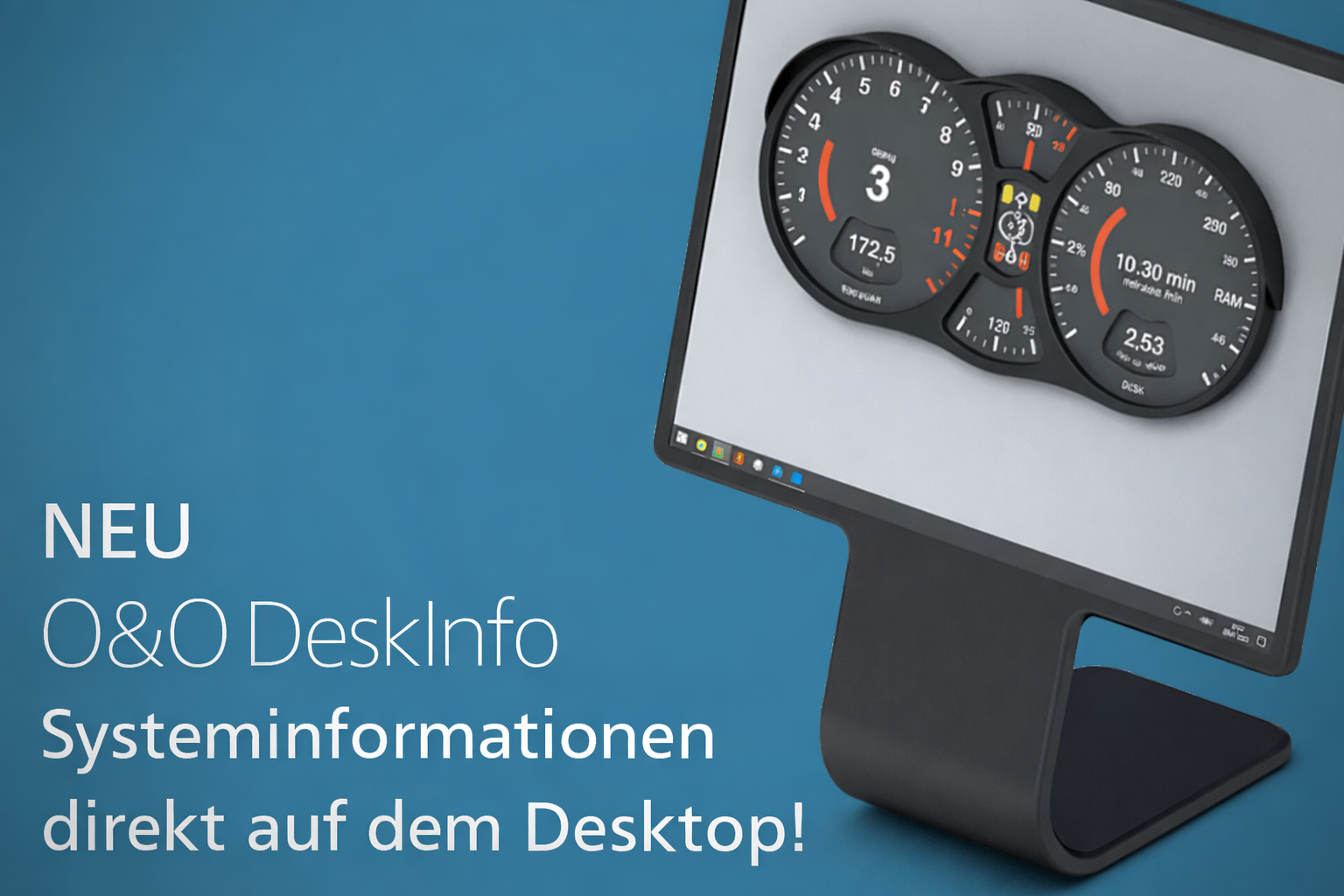
With O&O DeskInfo you always have all the relevant system information at a glance, right on your desktop!
No need to search anymore
CPU, RAM, drives, network…with O&O DeskInfo you always have all the relevant system information at a glance, right on your desktop! You can also customize the ad yourself to just see exactly what you are interested in! Whether CPU or memory usage or network information – everything is presented in a compact and understandable way.
Ideal for Support and Remote Assistance
O&O DeskInfo is ideal for support issues or remote assistance. If you ever need important system information for a support request, with O&O DeskInfo you simply save all data and information to the clipboard via the context menu in the info area. You can then easily send this information to your Admin or Support contact, either by email or via a web form! And if you are receiving or carrying out remote support, all the information you normally have to search for is right there on the Desktop.
Display the Information exactly how you wish
If you would prefer O&O DeskInfo to be somewhere else on the desktop, or in a different font or colour, then you can simply adapt how and where it is displayed from the context menu. You can even choose the which monitor it should be shown on – if you have more than one!
New in Version 2.0.1033:
Added:
- Individual performance graphs for CPU, memory, and network can now be shown or hidden as needed
- Battery status display, if supported by the system
- Detection of virtual machines
- More flexibility in the profile editor with selectable columns and reorderable categories
- Improved options to adjust the size of performance graphs
- Unified controls for a cleaner and more consistent user interface
- Extended documentation for users who want deeper insights
- Additional language support: French
- Clearer distinction between local, removable, and network drives
Changed:
- Performance graphs now react more smoothly to display and speed setting changes
- Graphs make better use of available space for improved readability
- Reduced visual clutter by avoiding duplicate labels
- Better international formatting support
- Optimized window layout with a smaller minimum width
- Internal restructuring to improve long-term maintainability (no user impact)
Fixed:
- More reliable and faster application shutdown
- Fixed layout and positioning issues in the profile editor
- Corrected network activity calculations
- Improved reliability when detecting drives and network interfaces
- Fixed rare visual glitches in tray and context menus
Security:
- Improved overall stability of performance monitoring
- More robust handling of system and network-related errors
Available in English, German and French.
Download now – no install, no crapware
Download O&O DeskInfo free from our Website. O&O DeskInfo is entirely free (freeware) and does not have to be installed – it can be simply run directly and immediately on your PC (portable). And it will not install or download retrospectively unwanted or unnecessary software, like so many other programs do these days!
